|
|
Vulnerability Assessment & Network Security Forums |
|||||||||
|
If through a vulnerability assessment, a network security issue is detected for the vulnerability below, applying the appropriate security patches in a timely matter is very important. If you have detected that your system has already been compromised, following CERT's Network Security recovery document will assist with recommended steps for system recovery. Home >> Browse Vulnerability Assessment Database >> Remote file access >> Lotus Domino ?open Vulnerability Vulnerability Assessment Details
|
Lotus Domino ?open Vulnerability |
||
|
Checks for the domino ?open feature Detailed Explanation for this Vulnerability Assessment It is possible to browse the remote web server directories by appending ?open at the end of the URL. Like : http://www.example.com/?open Data that can be accessed by unauthorized users may include: usernames, server names and IP addresses, dial-up server phone numbers, administration logs, files names, and data files (including credit card information, proprietary corporate data, and other information stored in eCommerce related databases.) In some instances, it may be possible for an unauthorized user to modify these files or perform server administration functions via the web administration interface. Reference : http://online.securityfocus.com/archive/1/10820 Solution : Disable the database browsing. To do this : 1. From the Domino Administrator, click the Configuration tab, and open the Server document, 2. Click the Internet Protocols - HTTP tab, 3. In the 'Allow HTTP clients to browse databases' field, choose No, 4. Save the document. Network Security Threat Level: High Networks Security ID: Vulnerability Assessment Copyright: This script is Copyright (C) 1999 Renaud Deraison |
||
|
Cables, Connectors |

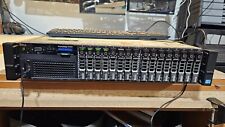
Dell PowerEdge R720 Server - 2x8c CPU,256Gb RAM, 128Gb SSD/3x600Gb SAS, Proxmox
$340.00
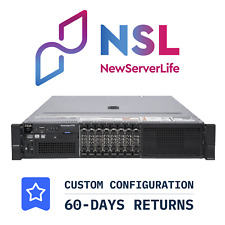
DELL PowerEdge R730 Server 2x E5-2690v3 2.6GHz =24 Cores 32GB H730 4xRJ45
$274.00
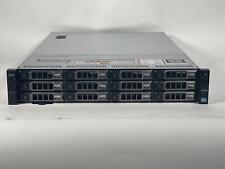
Dell PowerEdge R720XD Xeon E5-2680 V2 2.8GHz 20 Cores 256GB RAM 12x4TB
$510.00
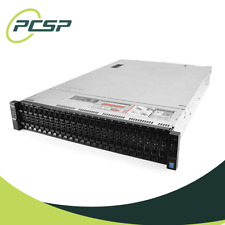
Dell PowerEdge R730XD 28 Core Server 2X Xeon E5-2680 V4 H730 128GB RAM No HDD
$389.99
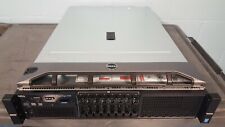
Dell PowerEdge R730, 2 sinks, SystemBoard, 8 trays,H330,Idrac 8 exp, 2x750w Psu
$135.00
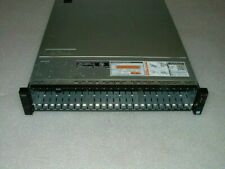
Dell Poweredge R730xd 2.5in 2x E5-2690 v3 2.6ghz 24-Cores 64gb H730 2x 750w
$189.99
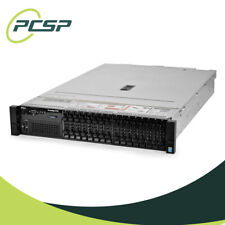
DELL PowerEdge R730 16SFF Server 2x E5-2690v4 =28 Cores No RAM/ HDD H730 4xRJ45
$232.97
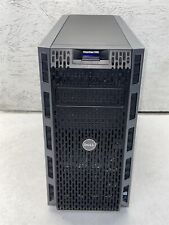
DELL POWEREDGE T430 SERVER W/ DUAL XEON E5-2609 CPU & 16GB MEMORY
$329.00
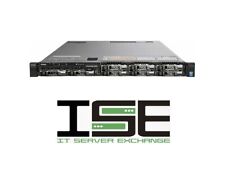
Dell R630 8 Port SFF Server 2x E5-2680v4 28C H730P 128GB 2x Trays RJ-45 ENT
$345.00
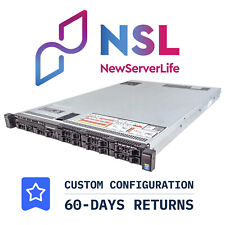
DELL PowerEdge R630 8SFF Server 2x E5-2690v4 2.6GHz =28 Cores 256GB H730 4xRJ45
$600.00
|
||
|
No Discussions have been posted on this vulnerability. |